Does Fouffy Dog Routing replace DaySmart Pet?
No. Fouffy Dog Routing is designed as a route planning tool that can work alongside your existing scheduling workflow.
 Fouffy DogRouting
DaySmart Pet workflow
Export customers and appointments, build routes, and get on with your day.
The problem
DaySmart Pet is useful for scheduling, customer management, and payments.
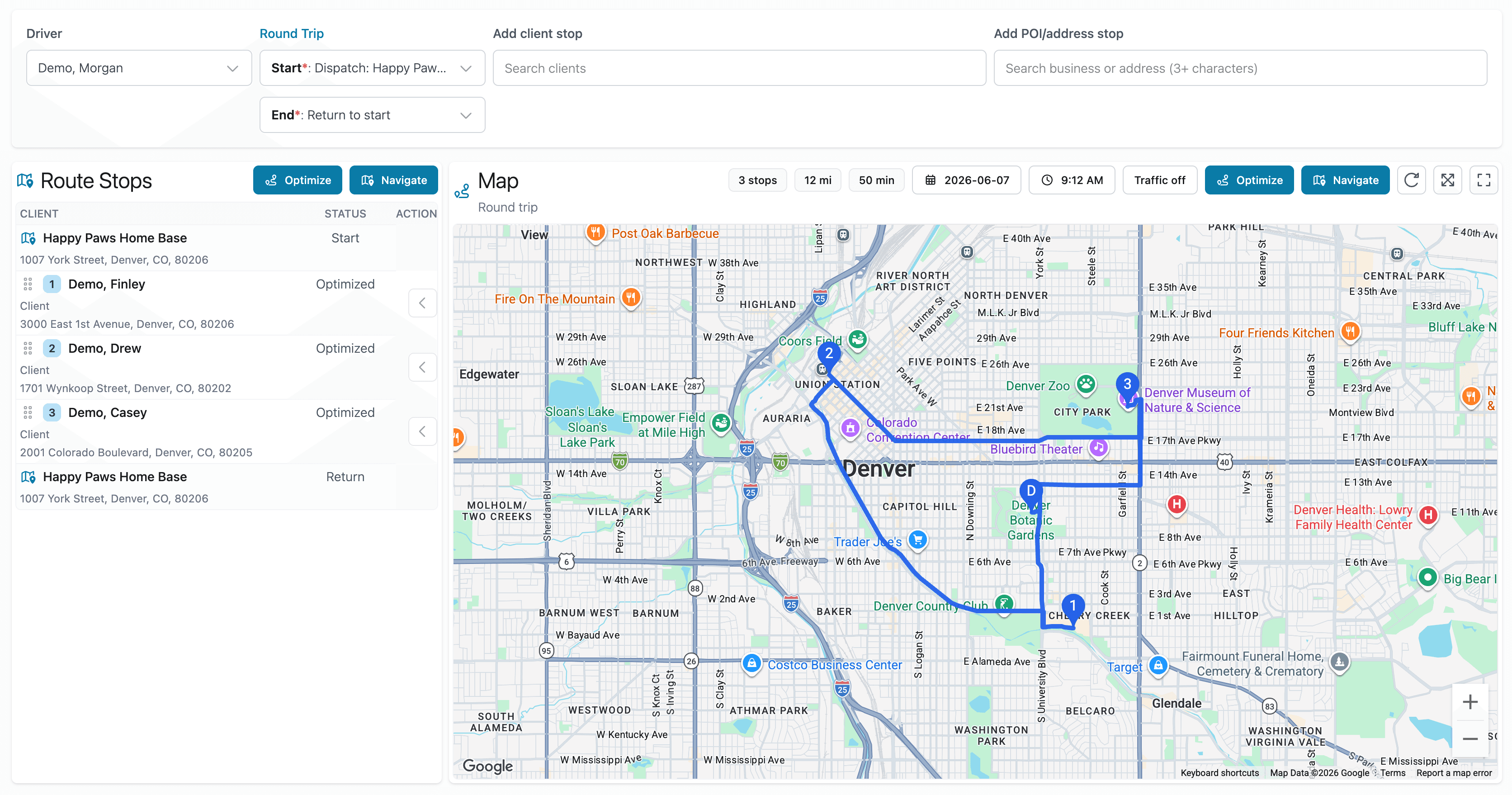
Fouffy Dog Routing focuses on route planning after the schedule is ready.
Export your customer or appointment data, import it, and build the route from there.
Better workflow
Smart spreadsheet import
Upload exported customer or appointment spreadsheets and review the suggested mapping before staging the import.
FAQ
No. Fouffy Dog Routing is designed as a route planning tool that can work alongside your existing scheduling workflow.
Yes. Customer and appointment imports are both supported.
Yes. You can add customers, saved places, or searched addresses directly if you do not want to import a file.
Yes. Drivers can sign in to view assigned routes and open navigation from the route map.
No. Smart import suggests mappings and lets you review them before import.
We are currently accepting beta users.