Do I need a specific spreadsheet format?
No. Smart import helps map common columns, and you can adjust the mapping before staging the import.
 Fouffy DogRouting
Smart imports
Upload a spreadsheet and create customers, stops, and routes in minutes.
The problem
Customer and appointment exports are useful, but they still leave you with manual route planning.
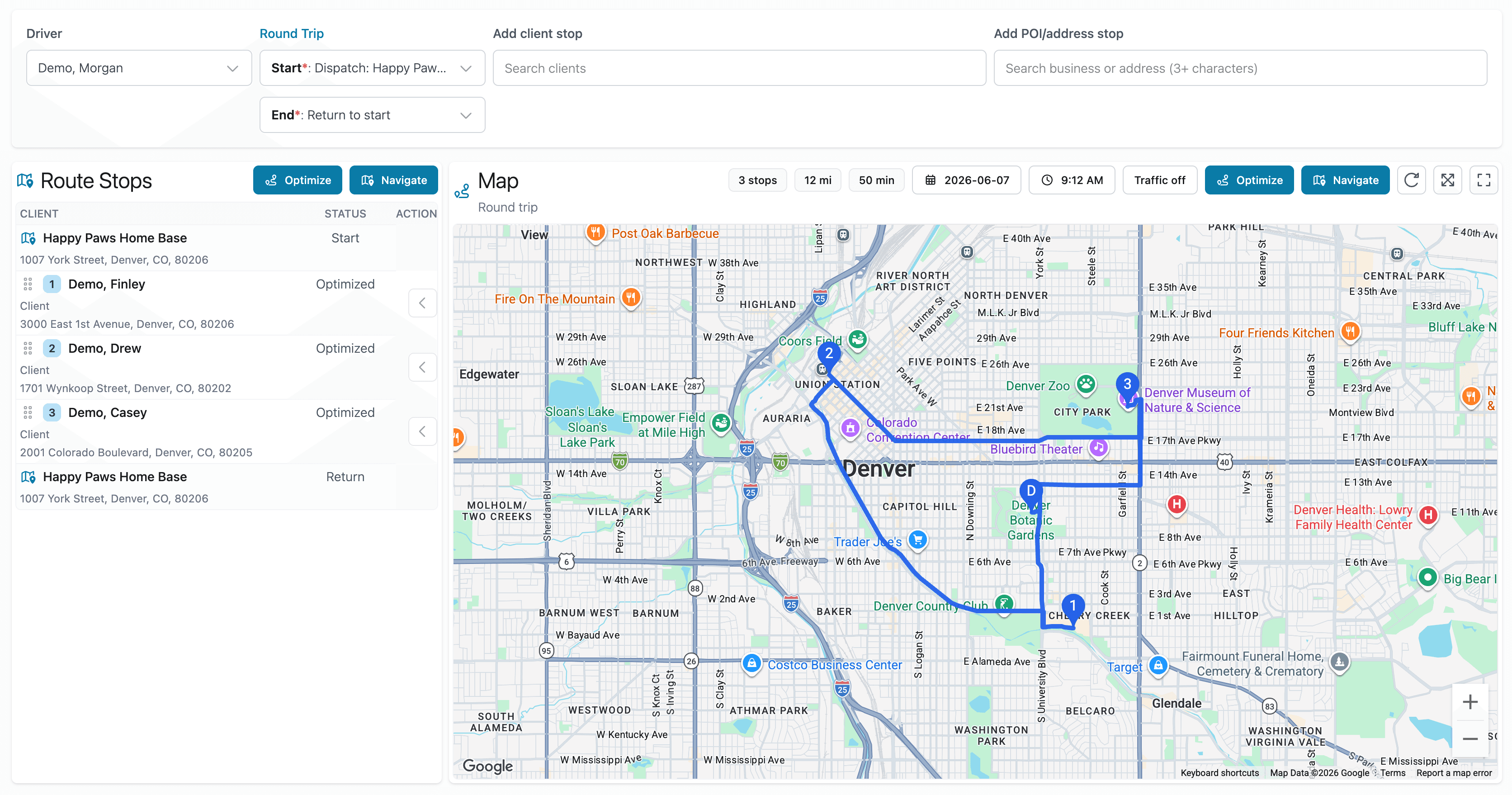
Fouffy Dog Routing helps turn spreadsheet rows into usable route stops.
Review the import, resolve address issues, and build the route from there.
Better workflow
Smart spreadsheet import
Upload Excel, CSV, Google Sheets exports, or DaySmart Pet exports. Smart import helps detect customer names, addresses, appointment times, and notes.
FAQ
No. Smart import helps map common columns, and you can adjust the mapping before staging the import.
Yes. Importing is optional. You can manually add customers, saved places, or searched addresses to a route.
Yes. Drivers can sign in to view assigned routes and open navigation from the route map.
Yes. Addresses are validated so route stops are usable before they are committed.
Yes. Import profiles can be saved and reused for similar files.
We are currently accepting beta users.