Can I import grooming customers and appointments?
Yes. Fouffy Dog Routing can help map spreadsheet columns like customer, address, appointment time, and notes.
 Fouffy DogRouting
Mobile groomers
Turn tomorrow's appointments and customer lists into an efficient route in minutes.
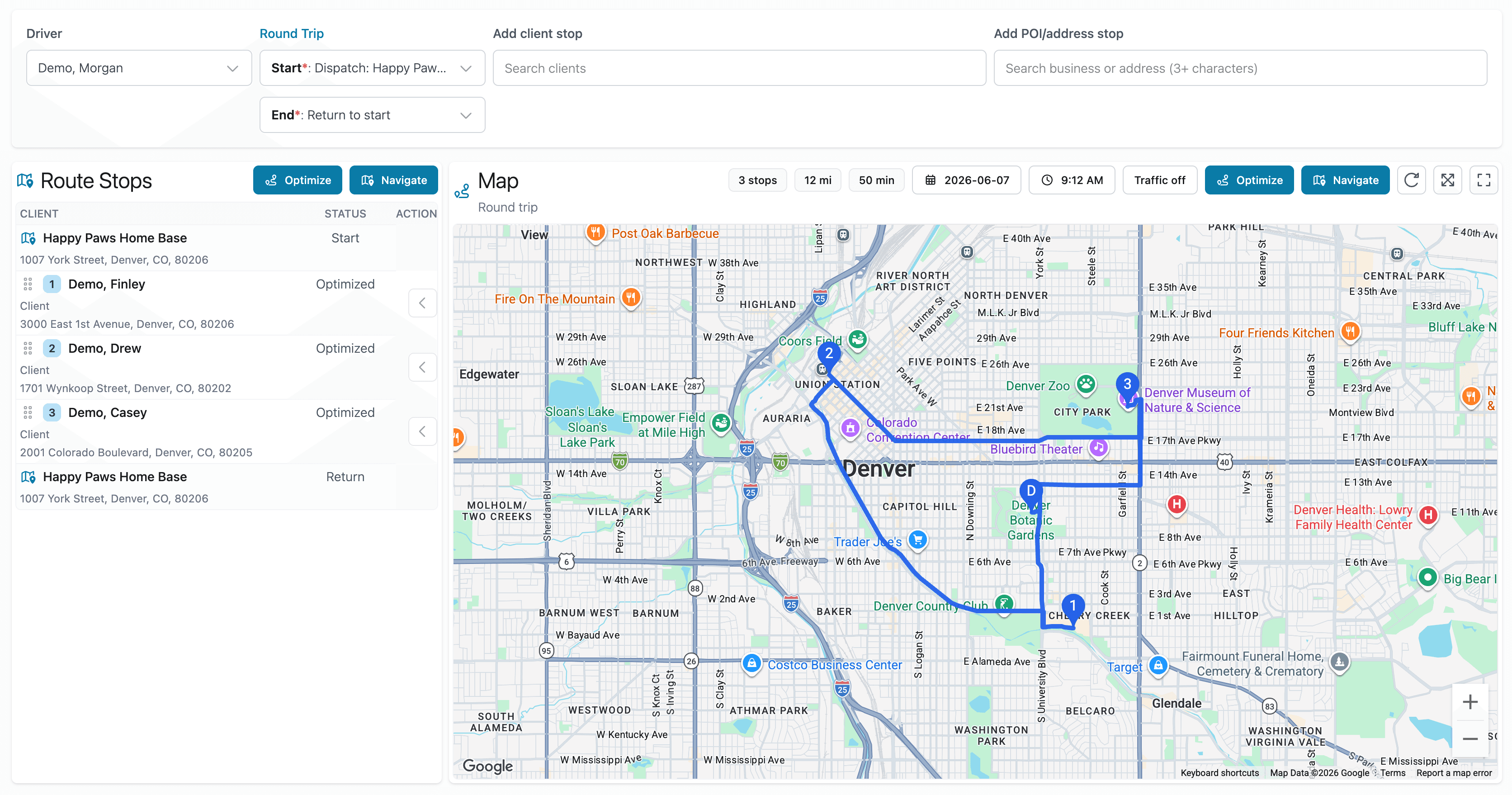
The problem
Many mobile groomers spend too much time rebuilding routes before each workday.
Appointments change. Routes change. Traffic changes.
You should be focused on grooming dogs, not rebuilding routes by hand.
Better workflow
Smart spreadsheet import
Export customers or appointments from DaySmart Pet, Excel, CSV, or Google Sheets and upload them to Fouffy Dog Routing. We'll help turn them into customers, stops, and routes.
FAQ
Yes. Fouffy Dog Routing can help map spreadsheet columns like customer, address, appointment time, and notes.
Yes. You can add customers, saved places, or searched addresses directly to a route without importing a file.
Yes. Drivers can sign in to view assigned routes and open navigation from the route map.
Yes. Saved routes are useful for recurring grooming schedules and regular service areas.
Yes. Routes can open in Google Maps for navigation.
We are currently accepting beta users.